 Kepyil
Make the yearbook without passing paper around or forgetting anyone.
Start the yearbook from the app yourself, or let a class representative start it with you alongside. Messages arrive already checked, you see who has received few, and the book comes out ready for print.
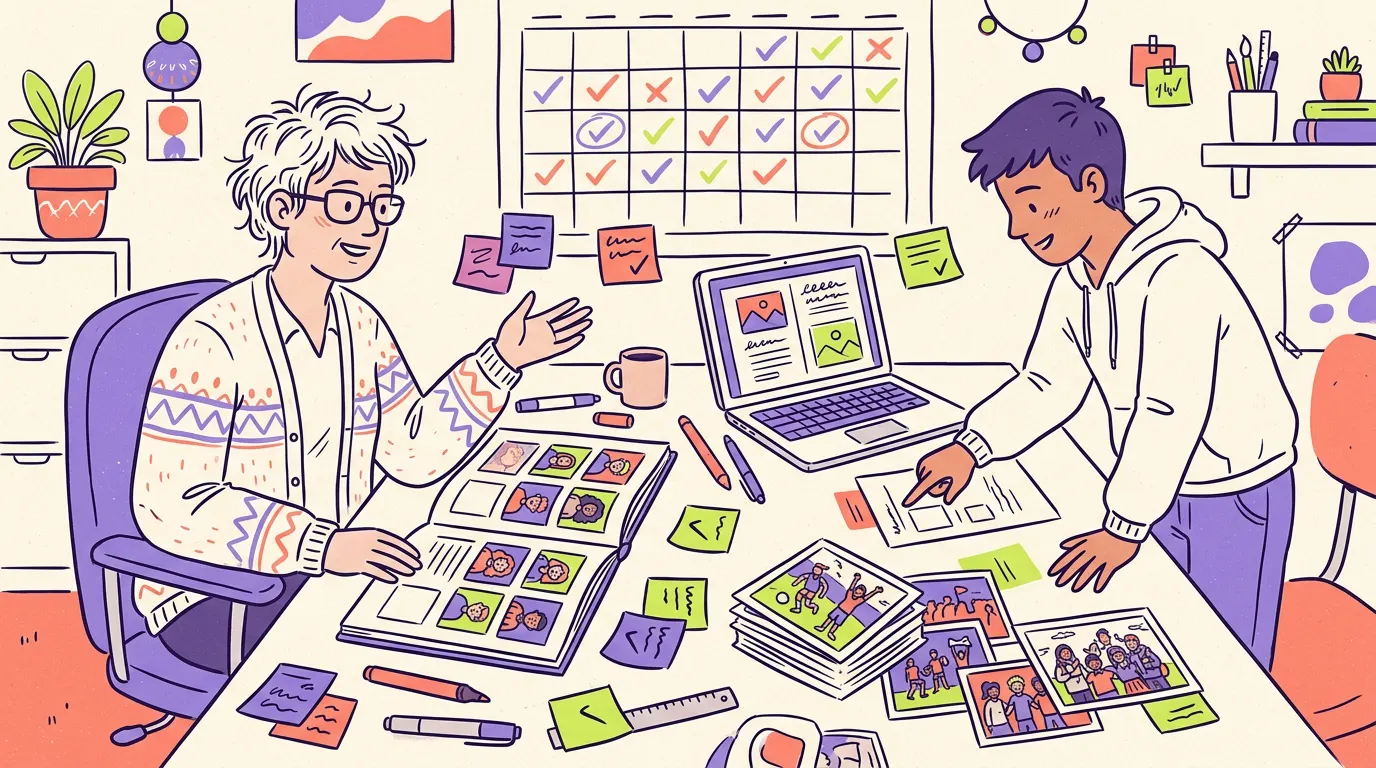
The teacher’s job gets easier.
- A ready-made message queue. Hurtful wording and personal details are sent back before anything is printed; only the unclear ones reach you. You approve, ask for a fix, or don’t publish.
- Nobody is left out. The class overview shows who has received few messages, and you ask their classmates to write to them.
- Warning signals come to you. A message that shows a self-harm signal is flagged, so you can talk to the student or let the school counselor know.
- Parent consent tracking. You see which students are waiting for consent and send the parent the consent link from your own phone.
- From one class to the whole school. Open several classes and invite the class teachers. Larger schools can also upload the list from the school panel.
- The calendar is yours. Pick the date for collecting messages; when it ends, the pages move to final checks.
- Lock, proof, finalize. Everyone looks over the watermarked proof, then you finalize the book.
- Printing is optional. The digital yearbook and PDF open for everyone; a school that wants a printed book sends a print request from the app.
How a yearbook unfolds.
- SetupTheme, classes, deadline.
- Collecting messagesEveryone writes to each other.
- Final checksPages are reviewed.
- LockPages are laid out.
- ProofEveryone looks over the book.
- FinalizedThe digital yearbook and PDF open.
Join the pilot with your school.
We’re starting with pilot schools for the class of 2027. For a school licence and bulk setup, write to [email protected].
Common questions
Is Kepyil paid for teachers?
No, teachers and parents are free. Before the book is finalized, student seats are paid for: the organizer can buy a class pack, or each student pays their own share.
Can school management open a yearbook for the whole school?
Yes. Several classes are opened and the class teachers are invited. Larger schools can upload the student list from the school panel; for a school licence, our team does the setup.
Can an inappropriate message get into the yearbook?
Messages are checked automatically before they appear, and unclear ones go to the teacher. Students can also hide or report a message on their own page; reports reach the platform team as well.
How do students join the yearbook?
They send a join request through the class’s join link or QR code, and the organizer approves it. If the school wishes, each student can also be sent a personal invite code.