Kepyil
Preschool and primary school yearbook: a fun, safe guide for parents and teachers
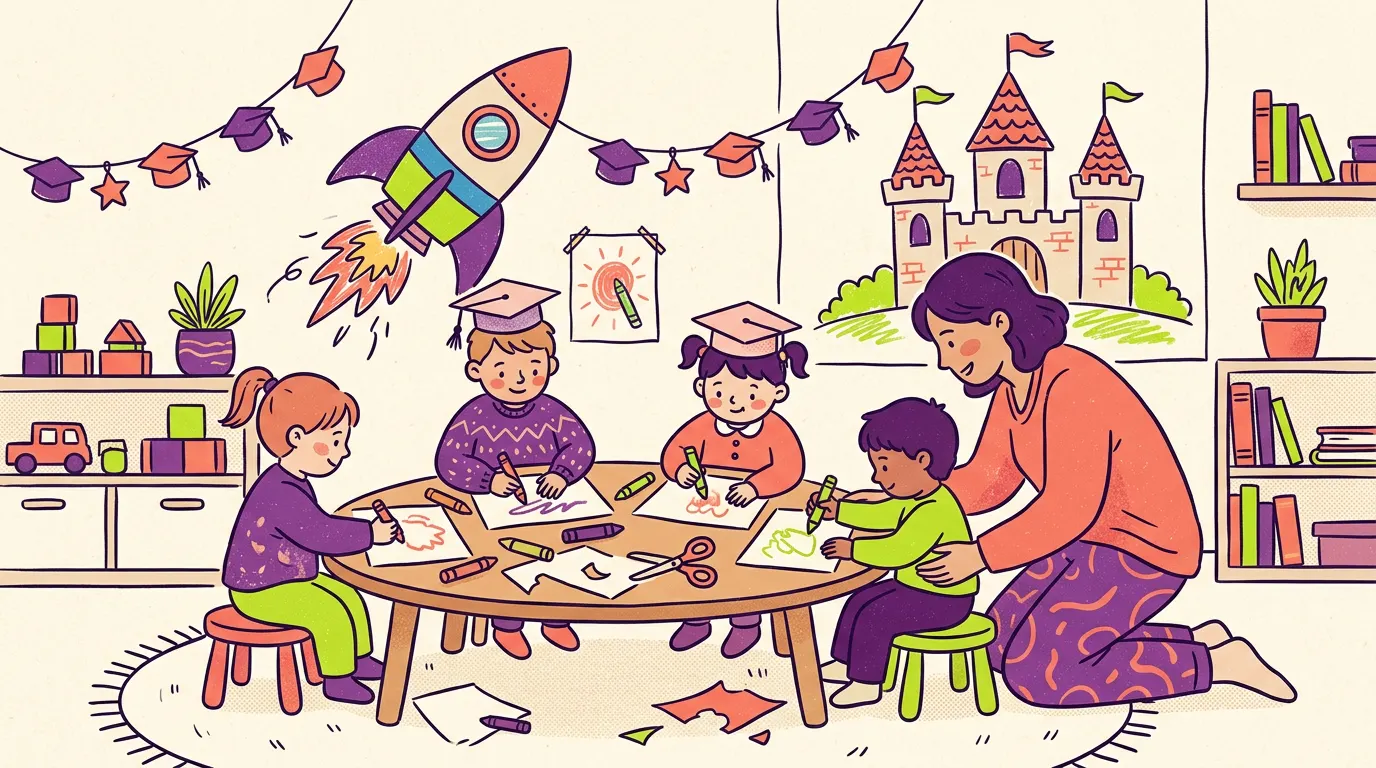
Graduating from preschool or primary school is a child’s first big goodbye. That is why a yearbook at this age is often a keepsake more for the family than for the child. Even so, it is possible to make one that the children are part of, that is fun, and that does not stress anyone. This guide is mainly for parents and class teachers.
The goal is simple: the children enjoy the process, families feel at ease, and no child is left out.
What goes in a yearbook for young children?
The long messages that older classes write do not suit small children. The best pages for them come from the child’s own world.
- The child’s drawing. A house, a family, a self-portrait. It does not have to look “good”; years later, what matters is the child’s line on that day.
- A “When I grow up” page. Write down exactly what the child says. An answer like “I will be a cat who builds flying cars” will make everyone laugh years from now.
- A note from the teacher. A letter to the whole class and, if you like, one short sentence for each child. For examples, see our guide to yearbook messages for teachers.
- A class photo. As natural a moment as possible: in the playground, in the classroom, while painting.
- Short answers. My favourite game, my favourite food, my best friend, what I like most about school.
- Short notes to friends. For small children, a sentence or two and a drawing is enough.
Page ideas children enjoy
It is easier to give children sentences to finish than a blank page. A few examples:
- “What I like most about school is…”
- “My teacher is funniest when…”
- “A joke everyone in our class knows is…”
- “When I grow up I want to be…”
- “On the first day of school I felt…”
- “I want to thank my friend because…”
Let the child say the answers and write them down yourself. For a child who cannot write yet, or has only just started, this is the most natural way. Leaving the child’s own words uncorrected is one of the best things about the finished book. If you would like a playful class vote, take a look at our class superlatives ideas; for younger classes, gentle categories such as “biggest smile” or “best at sharing” go down well.
How do children under 13 take part?
Young children are not expected to open an account on their own. In Kepyil, a parent uses the app for any child under 13. The parent signs in on the child’s behalf and gives the required consent in the same step, so there is no separate form to fill in and no paper to collect.
If twins or siblings are in the yearbook, the parent can switch between the children inside the same app. Each child’s page moves forward under that child’s own name.
People join a class with the class link or a QR code, and the organizer approves each person. A personal invite code is another option. A yearbook can be started by a teacher, a parent or a school administrator.
Notes written by young children go through the same automatic checks as every other message before they appear. With the parent’s consent, an AI model also checks them, with names removed; this check is optional. Messages that are not clear-cut go to the teacher. For more detail, see the page for parents.
Photo consent and privacy in plain words
It is perfectly natural for families to feel cautious about children’s photos. That is why the consents should be separate and easy to understand.
For students under 18, the parent gives these consents one by one:
- Data processing. The basic information needed to make the yearbook.
- Storage abroad. The servers are in Frankfurt, Germany, which is inside the European Union.
- Photos (optional). If this is not given, the child’s initials appear instead of a photo.
- AI check (optional). Messages get an extra check, with names removed.
Phone numbers and e-mail addresses are seen only by teachers and school management. Data is never used for ads and never sold. Original photos and messages are deleted 12 months after the yearbook is delivered. Closing an account is easy too: the account closes at once and is fully deleted after 30 days. The school is the data controller, and Kepyil processes the data on the school’s behalf.
If you want the legal background, we wrote about it at more length in yearbook privacy and parental consent. You will also find a summary on the privacy page.
Age-fit themes: Masal and Uzay Mürettebatı
For small children, how the book looks matters too. Kepyil has two themes for preschool and primary school.
Masal (Fairytale)
True to its name, this theme has a storybook feel. It was made for preschool and primary school, and children’s drawings and sentences suit it well.
Uzay Mürettebatı (Space Crew)
The class is presented as the crew of a spaceship. It is a fun choice for children who love adventure, and like Masal it was made for preschool and primary school.
The Klasik (Classic) theme also fits every level from primary school to university. Each theme has a real sample book and PDF on the site, so you can look at them with the children and ask which one they like. Every student also picks their own page layout. You can see more in the features overview.
Keeping it fun and relaxed
A yearbook can start to feel like a “project” that wears everyone out. When you work with small children, keep these in mind:
- It does not have to be perfect. A wobbly drawing or a misspelled word is what makes the book valuable.
- Everyone is included. Teachers can see which children have received few messages and ask classmates for a “writing task”, so nobody’s page stays empty.
- Remember with sound too. With the QR memory feature, a 30-second voice recording or a 15-second video is printed as a QR code next to the message. Hearing a small child answer “what will I be when I grow up” in their own voice is lovely. The teacher reviews these recordings first.
- Build a memory wall. Collect class photos in one place; the best ones go into the collage page.
- Time capsule. Older children, for example in the last year of primary school, can write a letter to themselves that will be opened years later.
- Do not turn it into a chore. Taking part should be a game, not an assignment. A child who does not want to write can just draw.
For parents: preparing together with your child
As a parent, your most important job is to keep the child’s own voice. Help a little, but do not change the sentences.
- Ask the child first. Ask “What do you like most about school?” and note the answer exactly as it comes.
- Do not push on the drawing. If a child draws a house with four lines, that house goes in the book.
- Remember friends together. Name one good thing about each friend. A sentence like “Ali used to lend me his red pencil” is enough.
- Do not compare. Do not let your child feel behind because another child’s page is fuller.
- Read the consents together. Photo consent is optional, so you can decide calmly as a family.
If your child is only just learning to write, even a single sentence in their own handwriting is precious. Leaving misspelled words as they are makes that sentence much loved years later.
For teachers: an easy flow in class
Running a busy class is hard enough; the yearbook should not wear you out. A few suggestions:
- Hold a drawing day. Let the whole class draw their “when I grow up” picture on the same day. It is then easy to send families a photo of each drawing.
- Plan the class photo ahead. Take it in the playground in good weather, when everyone is smiling. Remind families that photos can go into the yearbook only with their consent.
- Tell families early. Explain from the start what the yearbook is, which consents will be asked for and when it will be finished.
- Make sure nobody is forgotten. Keep an eye on children who receive very few messages. In the app you can see who has received few and give the class a writing task.
- Write your own note. A letter to the class and one sentence for each child are among the things families keep most.
Keeping the message-collecting period short helps too. Long processes lose the interest of both children and families. You will find more for teachers on the page for schools.
Sample sentences for young children
When a child does not know what to write, a few starting sentences can help. Change them into the child’s own words.
My friend Elif, I love the days when we painted together. I will miss you.
Dear teacher, thank you for teaching me to read. When I grow up I want to be a teacher like you.
I liked break time best at school. We played hide and seek with my friends.
A yearbook with everyone in it
In younger classes, some families may not want to give photo consent, some children may have joined the class mid-year, and some may be shy. A good yearbook does not turn these differences into a problem. A child without photo consent keeps the same place and the same messages, with initials where the photo would be. A newcomer can get a special note from a few friends.
It helps to say this out loud in class: “Everyone will have a page, and everyone will write something to everyone else.” Even that sentence is enough to make a child feel part of the book.
Who does what, and how the process works
A teacher can start the yearbook, and so can a parent. The flow goes like this: setup, collecting messages, final checks, lock, a watermarked proof that everyone checks, and finally the finished book. The digital yearbook and its PDF open for everyone in it.
Printing is optional. If the school wants it, the school sends a print request; our team returns with a quote and handles the printing. Collecting messages and looking at themes and sample books is free. Before the book is finalized, every student needs a seat: either the organizer buys a class pack for everyone, or each family buys its own seat, and the organizer can top up any that are missing. The app is free for teachers and parents. Prices are shown in the app.
The app works in Turkish and English, and it will be in the app stores soon. Until then you can try it at demo.mezuniyetyilligi.com, which uses a made-up school. For a step-by-step view of the whole process, read how to make a graduation yearbook, and for ideas on what the older children could write, see what to write in a yearbook.
Frequently asked questions
What goes in a preschool graduation yearbook?
Good starting points are the child’s drawings, a “when I grow up” page, short answers such as a favourite game or food, a note from the teacher and a class photo. For young children, pictures and short sentences work better than long messages.
How do children under 13 take part in a yearbook?
In Kepyil, a parent uses the app on behalf of a child under 13 and gives the required consent in the same step. A parent with more than one child, such as twins or siblings, can switch between them inside the app.
What if I do not want my child’s photo in the yearbook?
Photo consent is optional. If it is not given, the child’s initials appear instead of a photo. This choice is separate from the other consents, and declining the photo does not stop your child from being in the yearbook.
Which yearbook theme suits preschool and primary school?
Kepyil has two themes made for preschool and primary school: Masal (Fairytale) and Uzay Mürettebatı (Space Crew). The Klasik (Classic) theme also fits every level from primary school to university. Look at the sample books on the site and ask the children which one they like.
Does it cost anything for parents or teachers to make a yearbook?
Collecting messages and looking at themes and sample books is free. Before the book is finalized every student needs a seat: either the organizer buys a class pack for everyone, or each family buys its own seat. The app is free for teachers and parents, and prices are shown in the app.
Make your yearbook with Kepyil.
Everyone writes to everyone, messages are checked, and every approved message goes in the book. Try it now with a sample school.