 Kepyil
Everyone writes to everyone
Each student writes one message to every classmate. Prompt questions help when you get stuck, and you see how it will look in the book while you write.
From collecting messages to finalizing the book: Kepyil makes it easy for a class to write to each other, never leaves anyone’s page empty, and ends with a book that is ready for print.
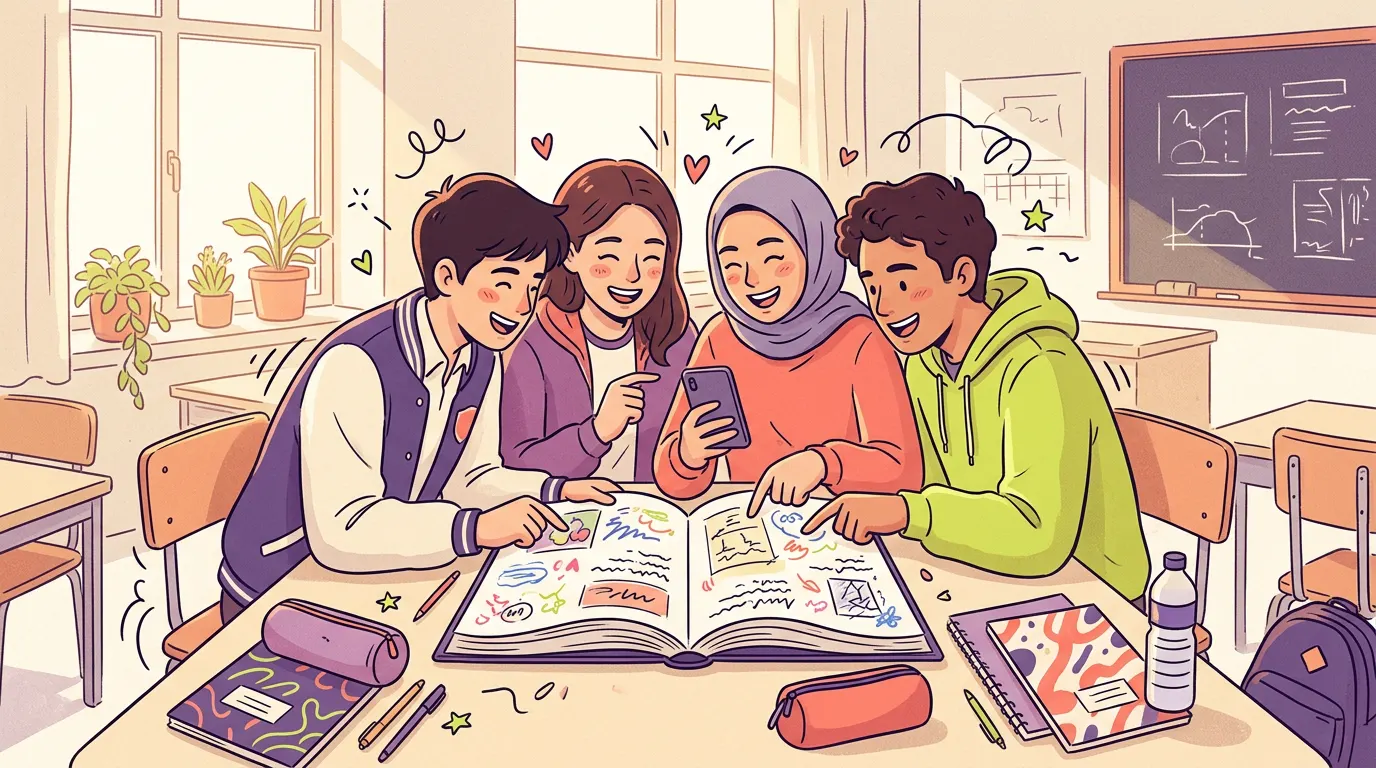
Each student writes one message to every classmate. Prompt questions help when you get stuck, and you see how it will look in the book while you write.
Messages are checked before they appear: hurtful wording, personal details and hidden messages are sent back. Anything unclear goes to the teacher.
The teacher sees who has received few messages and asks classmates to write to them. Every approved message is printed.
Each student picks the layout of their page, orders the messages, and can hide or report one they don’t want.
The class’s shared photos from trips, school fairs and break time. The favorites go into the yearbook’s collage page.
The class votes: funniest, most helpful, future scientist. If a winner would rather not be included, they stay out of the book.
Write a letter to your future self; the app lets you know when it opens, years later.
Add a 30-second voice note or a 15-second video next to a message. It is printed in the book as a QR code, and whoever scans it hears the voice.
Once the book is finalized, everyone pages through the yearbook in the app and downloads the PDF.
A school that wants a printed book sends a print request from the app; our team comes back with a quote and handles the printing.
Classic, Secret File, Level Up, Fairy Tale and Space Crew. Every theme has a sample book and PDF on the site.
The app opens in Turkish or English depending on the phone’s language, so international schools and families from abroad can use it comfortably.
The demo opens with a made-up high-school class; you can sign in as a student, teacher, school administrator or parent.
Each student writes one message to every classmate. If the school allows it, they can also write to friends in other classes. They can fix their message until the collection period ends.
A student adds a 30-second voice note or a 15-second video next to their message. The teacher listens first; once approved, a QR code is printed in the book beside the message and whoever scans it hears the recording.
If the winner declines, that category does not appear in the book under their name. Categories are also checked so that none of them is hurtful.
After the yearbook is locked, everyone has looked over the proof, and the book is finalized. Everyone then pages through the yearbook in the app and downloads the PDF.