 Kepyil
Safe messaging
Messages are checked before they appear: hurtful wording, personal details and hidden messages are sent back. Anything unclear goes to the teacher.
Details →A teacher, class representative or parent: start the yearbook from the app. Everyone writes to their classmates, the teacher approves, and every approved message goes into the yearbook. From preschool to university, ready for print.
With a sample school, no sign-up. Coming soon to the App Store and Google Play.
Sitting at the same desk as you was the best luck of this year. Keep smiling like that! Kerem
I passed thanks to that topic you explained the night before the exam. I won’t forget it. Elif
One day we’ll watch you on stage, and the first applause is mine. Deniz
Let the toastie queue in the canteen stay our secret. Mert
Good luck on your way, Ayşegül, I’m proud of you. Ms. Selin
A teacher, class representative, parent or school administrator opens the yearbook in the app, picks a theme and shares the class’s join link in the group chat.
Each student writes one message to every classmate. Messages are checked automatically before they appear, and the teacher reviews any that get flagged.
The yearbook is locked, everyone looks over the proof, and the book is finalized. The digital yearbook and PDF open for everyone; a school that wants a printed copy orders one.
On the class overview the teacher instantly sees who has received few messages and, with one tap, assigns a “writing task”: "Don't forget to write to these three classmates." By the time the yearbook closes, every student’s page is full.
Writing task suggested to 3 students
Messages are checked before they appear: hurtful wording, personal details and hidden messages are sent back. Anything unclear goes to the teacher.
Details →The class’s shared photos from trips, school fairs and break time. The favorites go into the yearbook’s collage page.
Details →The class votes: funniest, most helpful, future scientist. If a winner would rather not be included, they stay out of the book.
Details →Write a letter to your future self; the app lets you know when it opens, years later.
Details →Add a 30-second voice note or a 15-second video next to a message. It is printed in the book as a QR code, and whoever scans it hears the voice.
Details →Once the book is finalized, everyone pages through the yearbook in the app and downloads the PDF.
Details →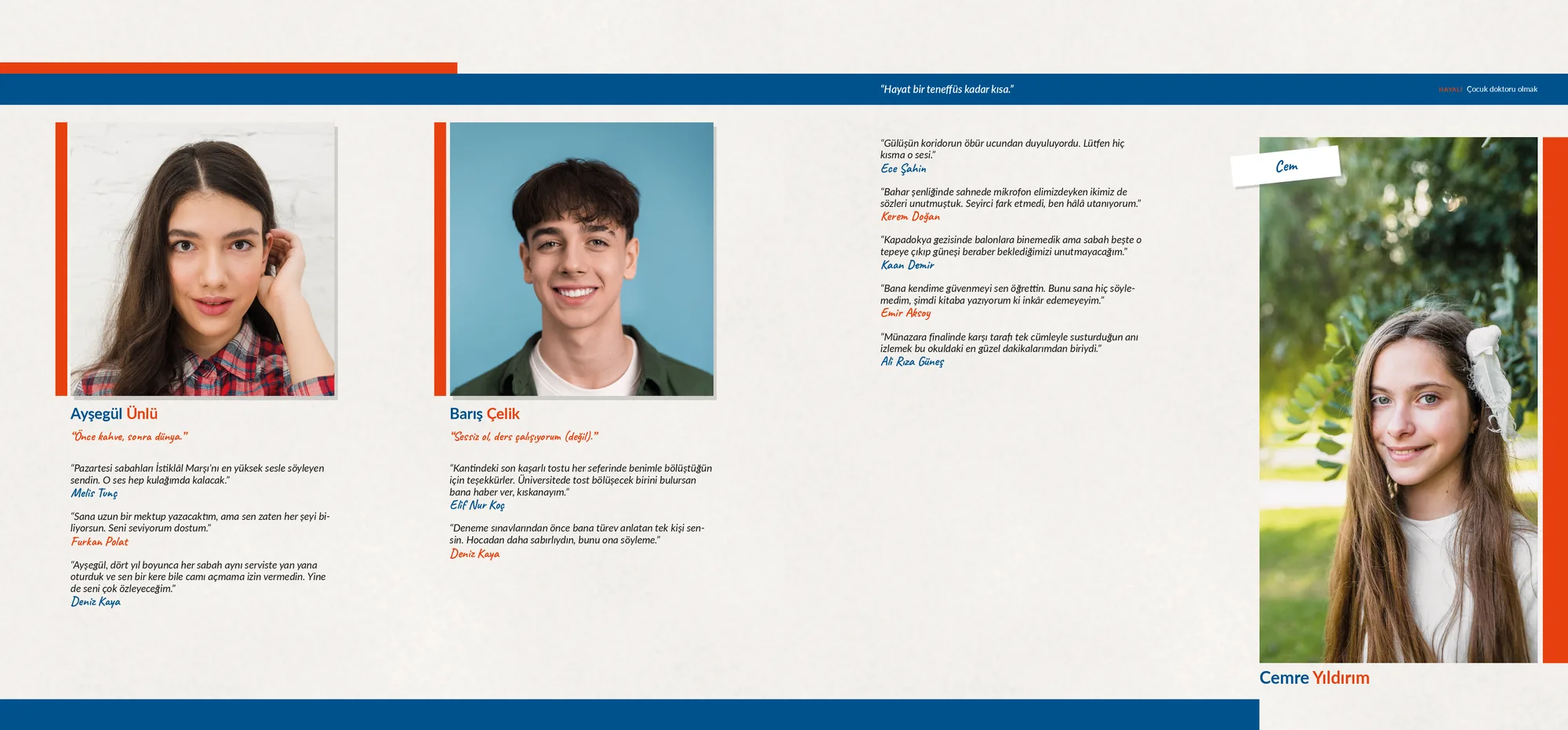
A made-up school’s yearbook, as it would be printed with this theme. Photos and messages are samples.
PreschoolPrimary schoolMiddle schoolHigh schoolUniversity
Students under 18 can’t write and don’t appear in the yearbook until a parent consents. Photo consent is asked for separately.
Hurtful wording and personal details are sent back before printing; the teacher reviews anything unclear.
No ads, no data sales. Servers are in the EU (Frankfurt). Safety and KVKK
A graduation yearbook is a book about the year a class or school graduates. It brings together student photos, the messages classmates write to each other, notes from teachers and memories from school. In Kepyil these messages are collected in the app, checked, and turned into pages that are ready for print.
Kepyil is a mobile app for making a graduation yearbook together as a class. A teacher, class representative, parent or school administrator starts the yearbook and shares the class’s join link. Everyone writes to their classmates, the messages are checked, and every approved message appears in the book.
A specific memory you share with your friend, something you want to thank them for, the quality you like best about them and a wish for their future are a good start. Please don’t include personal details (phone number, address, social media) or hurtful jokes.
Yes. Every approved message is printed. A student who receives many messages gets a longer section, and students with few share a page. Students can choose the order of the messages on their own page and hide one they don’t want.
Collecting messages and viewing the themes and sample books is free. Before the book is finalized, every student’s seat is paid for: either the organizer buys a class pack, or each student pays for their own share. Teachers and parents are free.
No. Once the book is finalized, the digital yearbook and PDF open for everyone. A school that wants a printed book sends a print request from the app.
A parent uses the app for children under 13: the parent gives consent in the same step as joining and writes the messages together with their child. A parent with more than one child can switch between them.
Every level, from preschool to university. A yearbook can be opened for a single class, several classes or the whole school, and there are age-appropriate themes for each level.
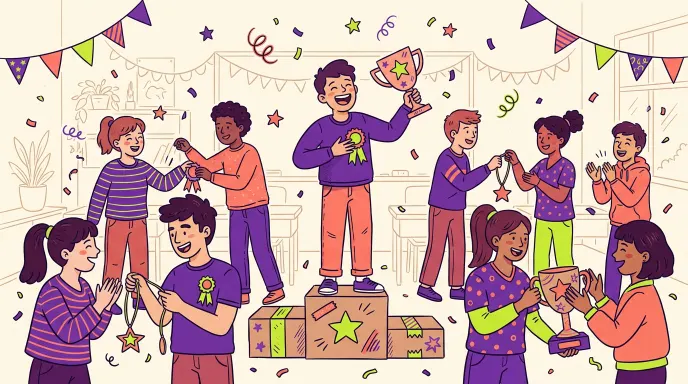
Yearbook superlatives that stay kind: 60 ideas for funny, future, talent, character and class-life awards, plus fair voting and titles to avoid.
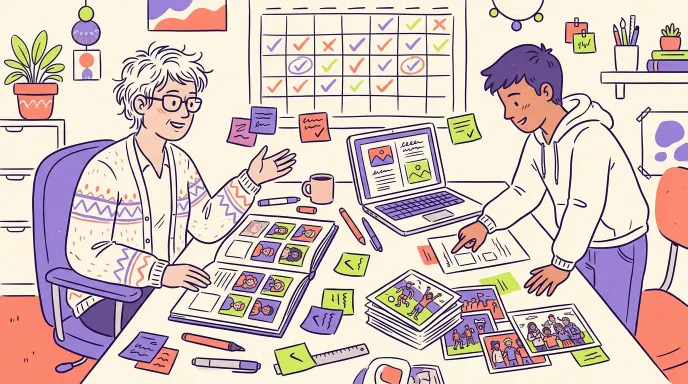
How to make a class yearbook: who starts it, a week-by-week timeline, collecting messages and photos, parental consent, themes, proofing, and print or digital.
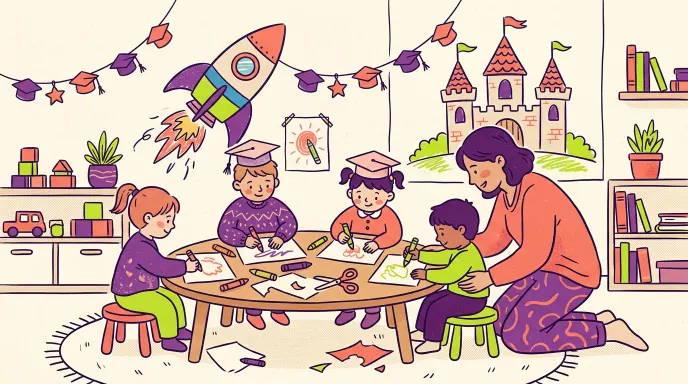
What goes in a preschool or primary school yearbook? Drawings, a “when I grow up” page, photo consent, under-13 sign-up and age-fit themes, explained simply.
We’re starting with pilot schools for the class of 2027. If your school would like to join, write to us; for now you can try everything with sample data.